

 Tinkerwell
Themes of Tinkerwell
You can customize Tinkerwell and select a theme of your choice. Tinkerwell supports custom variants of the popular themes Dracula, Night Owl, Material, Nord, GitHub, Solarized dark, Solarized light and Shades of Purple
We're working on completely custom themes and they will be available soon.
The configuration of themes in Tinkerwell supports single themes for day and night use as well as dedicated ones that change automatically when your system enables dark mode at night and light mode during the day.
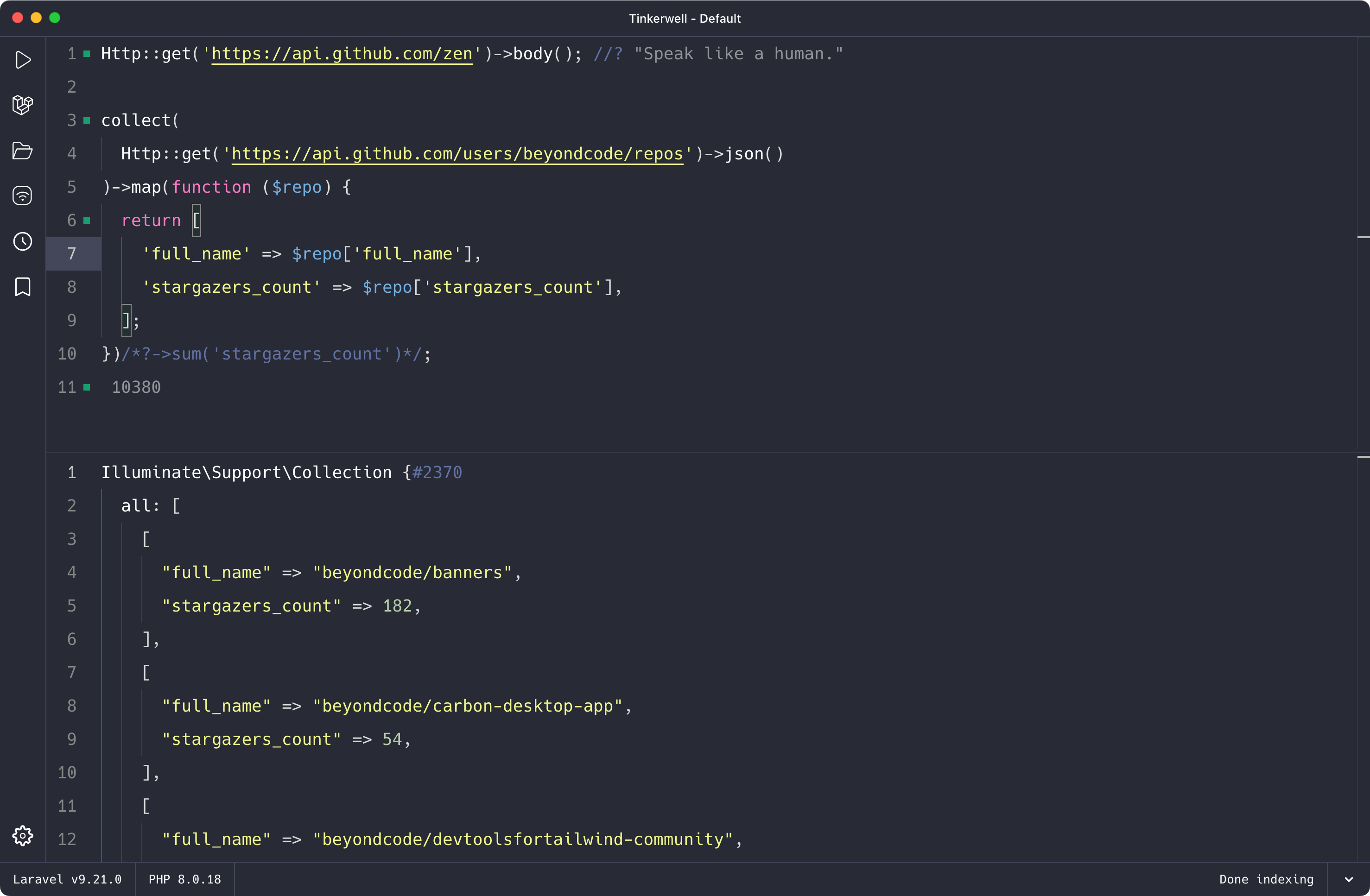
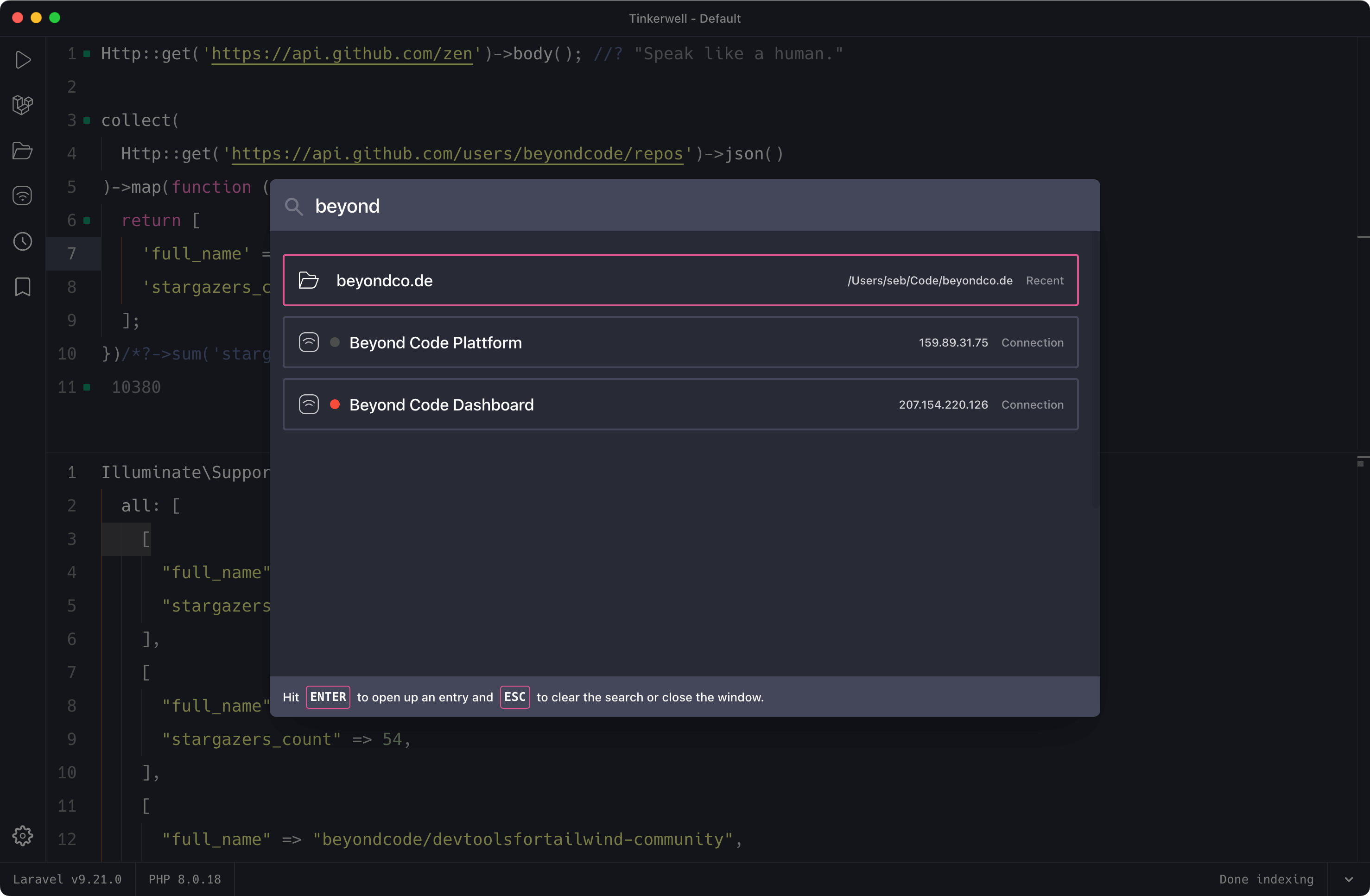

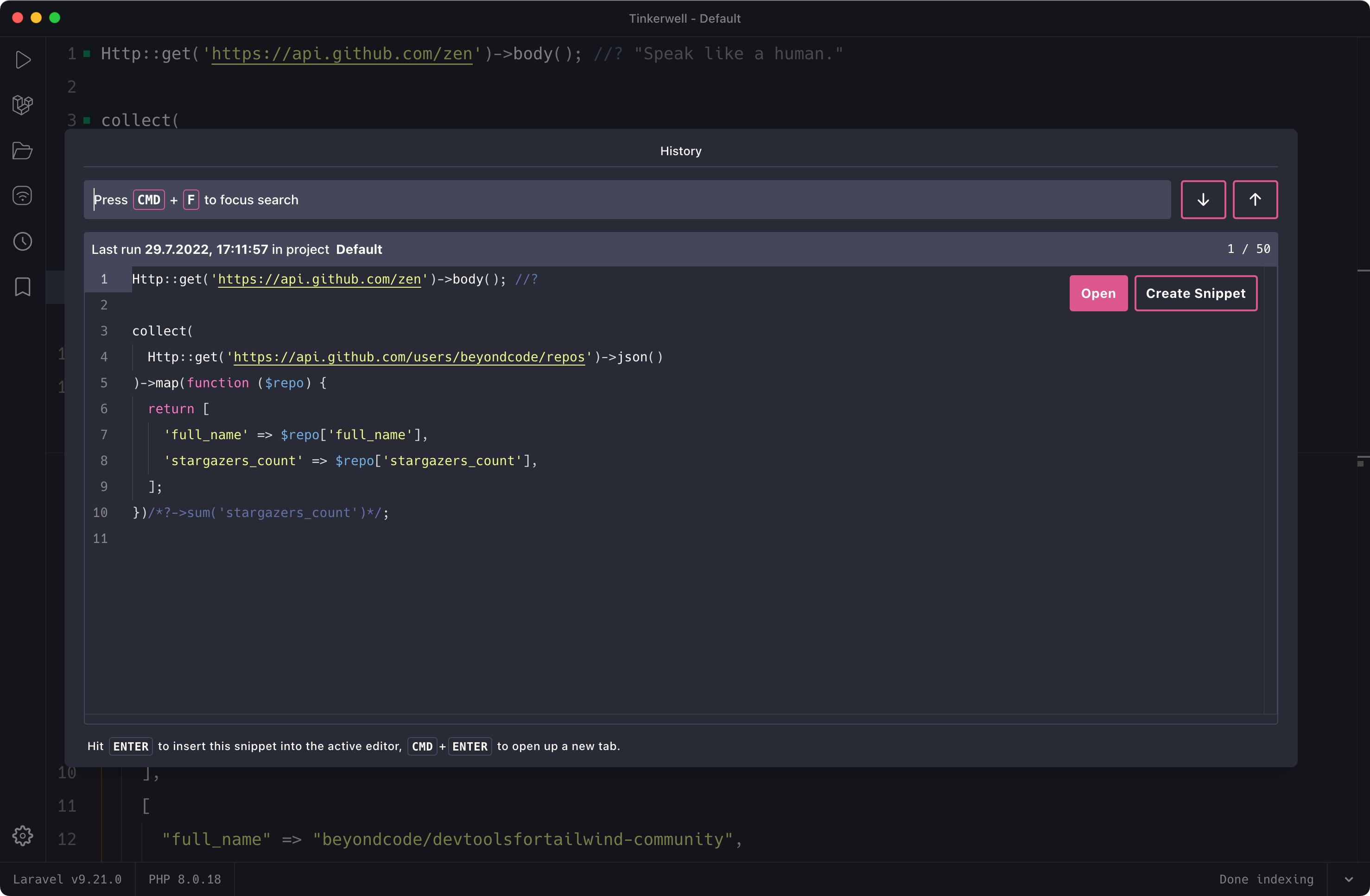
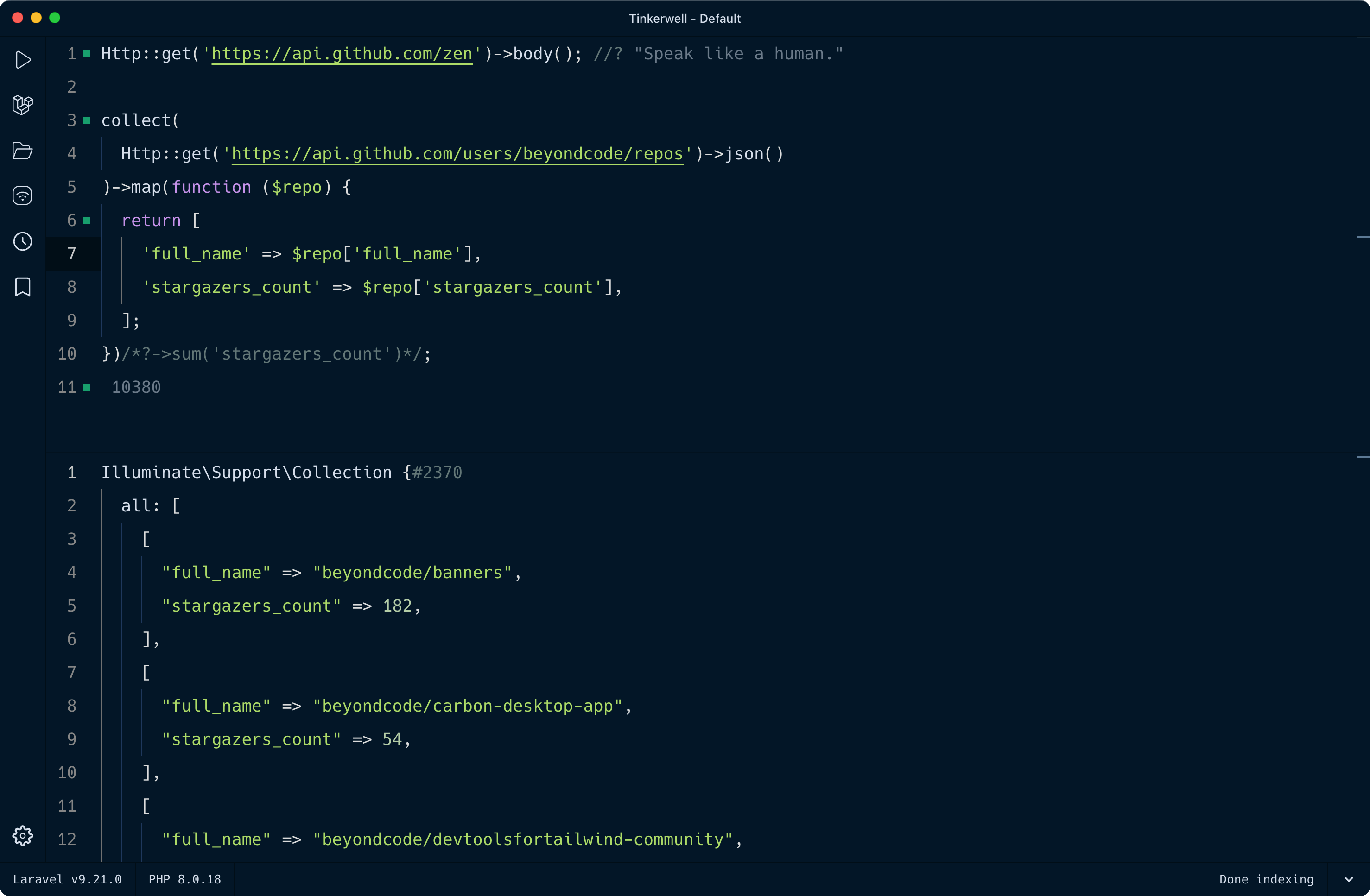
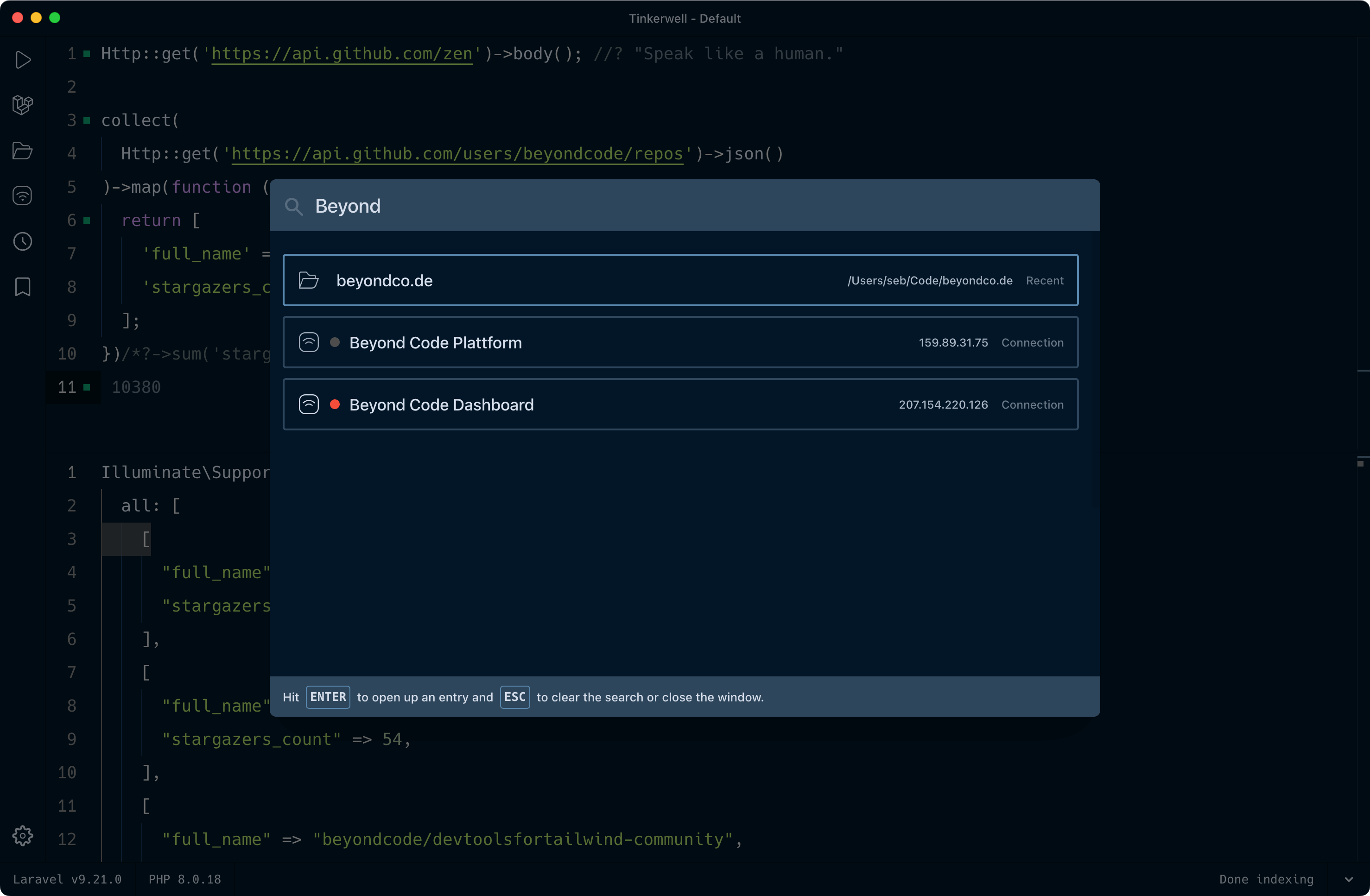
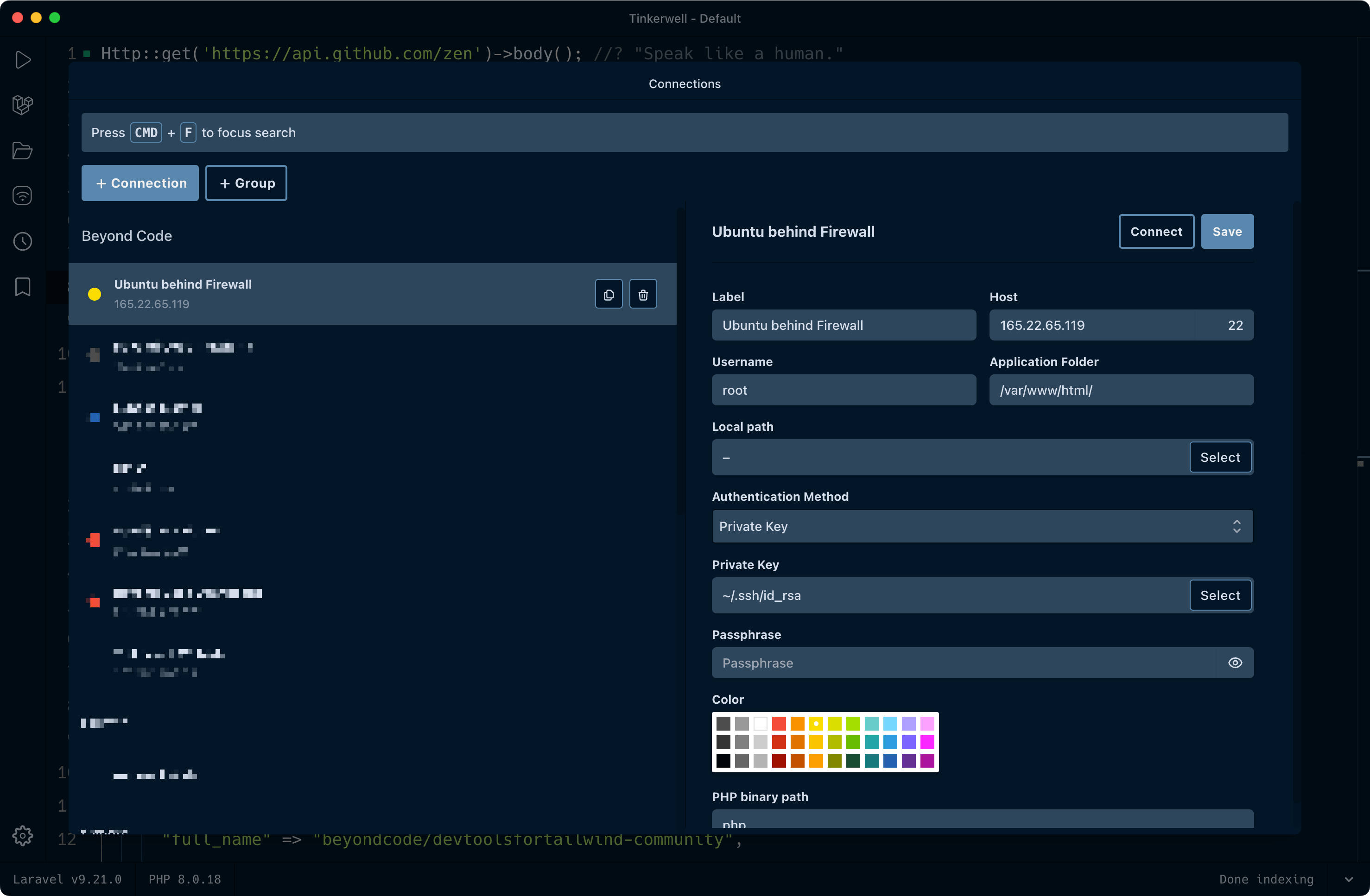
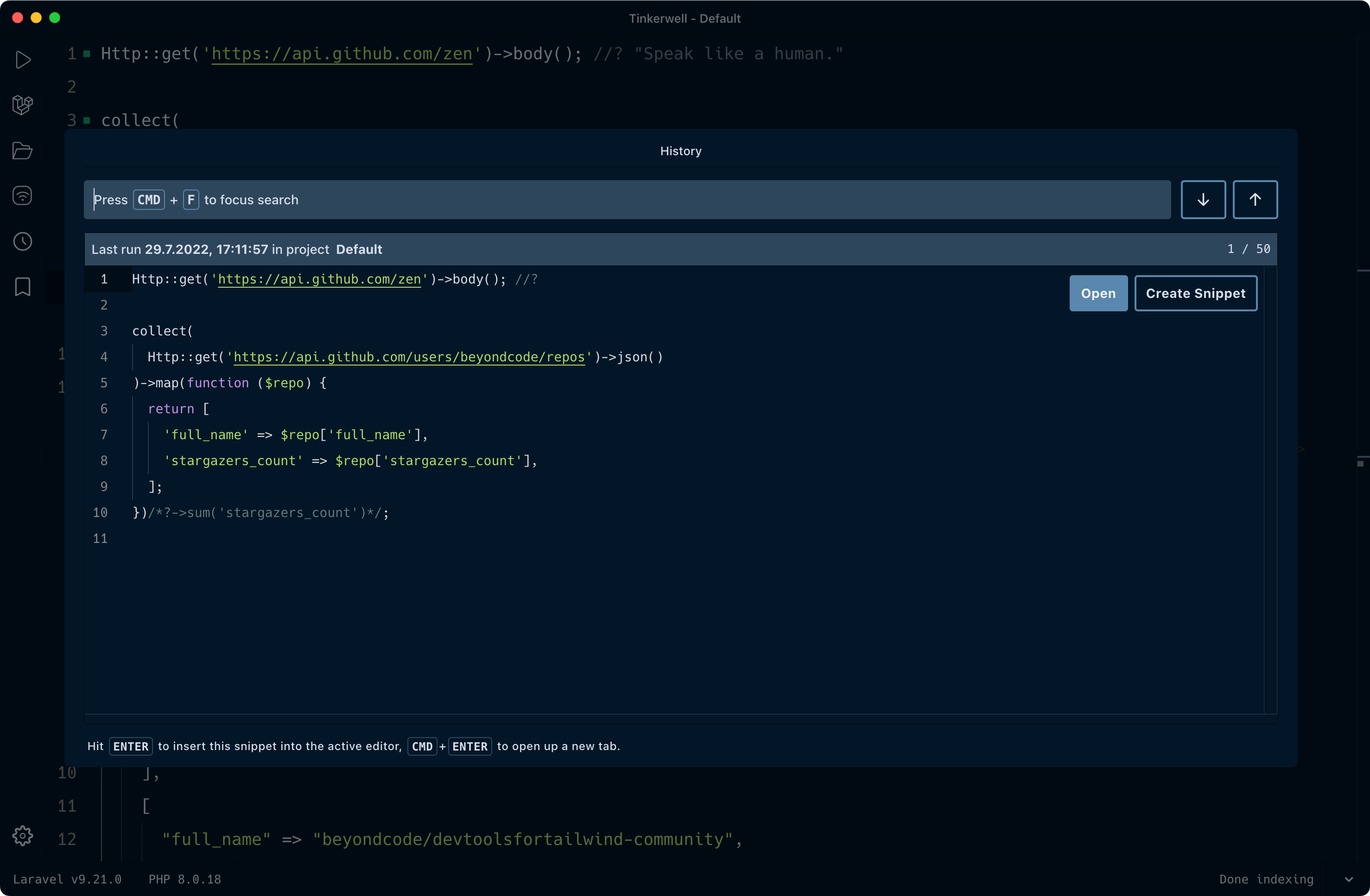
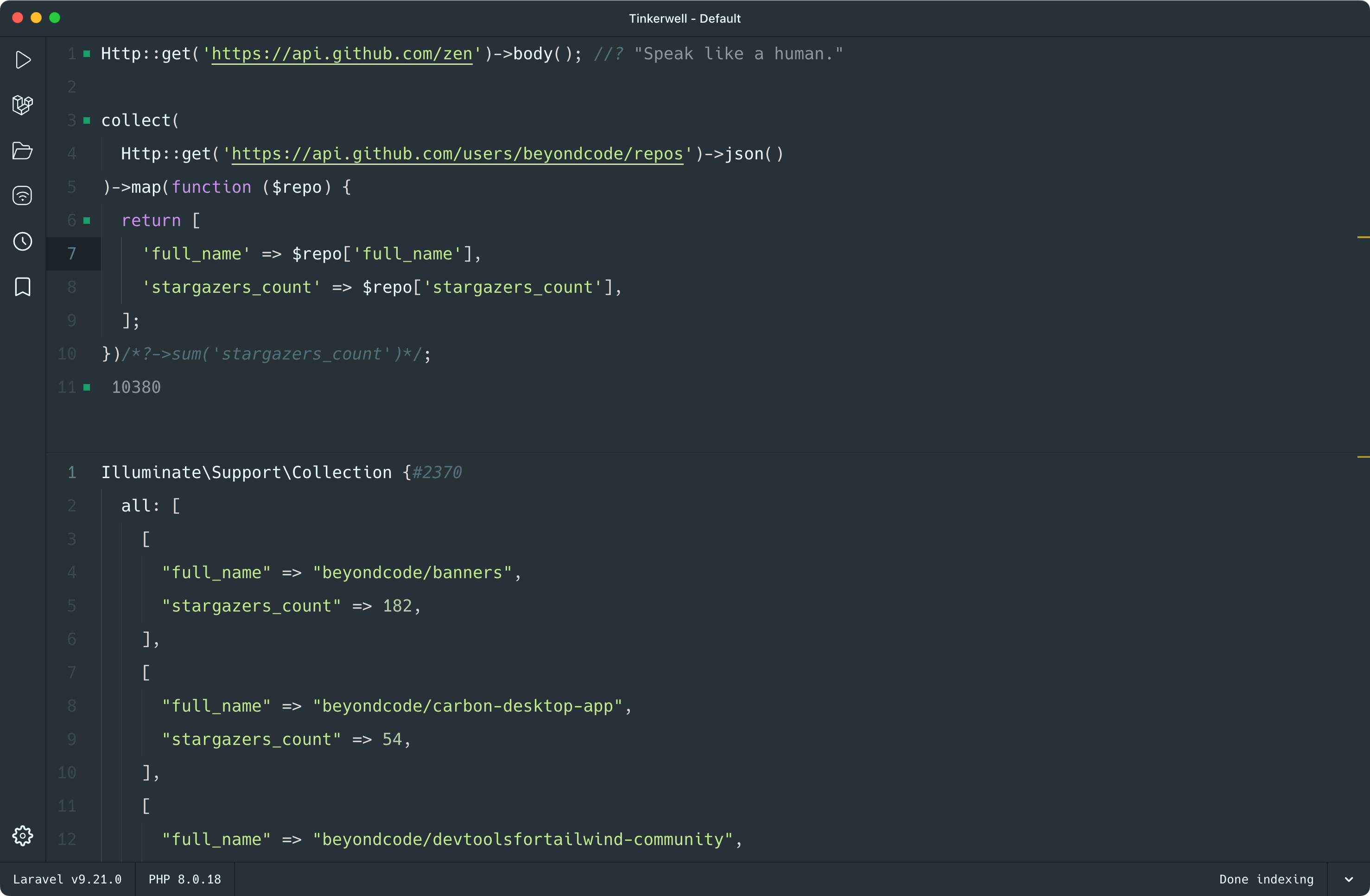
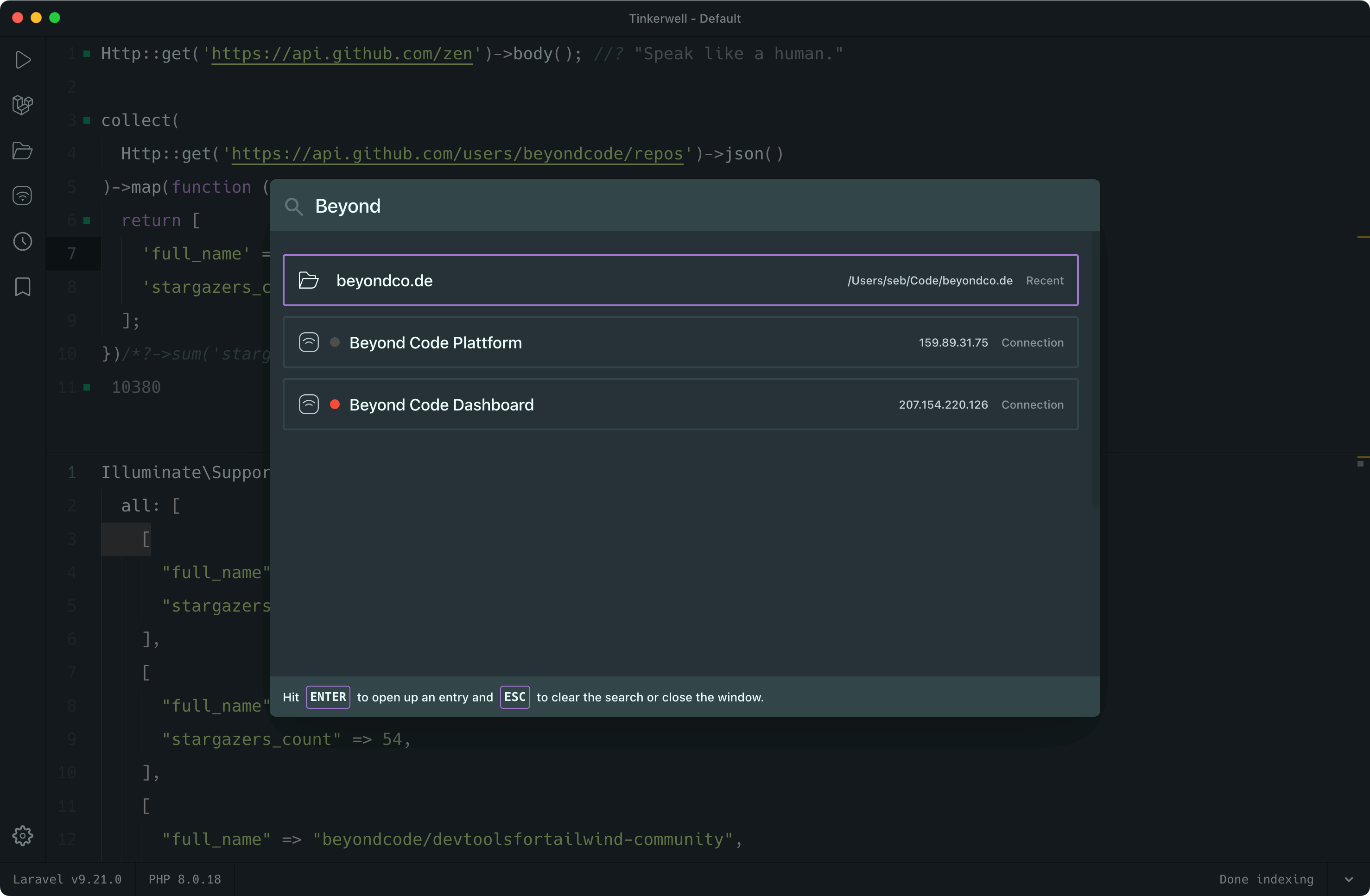
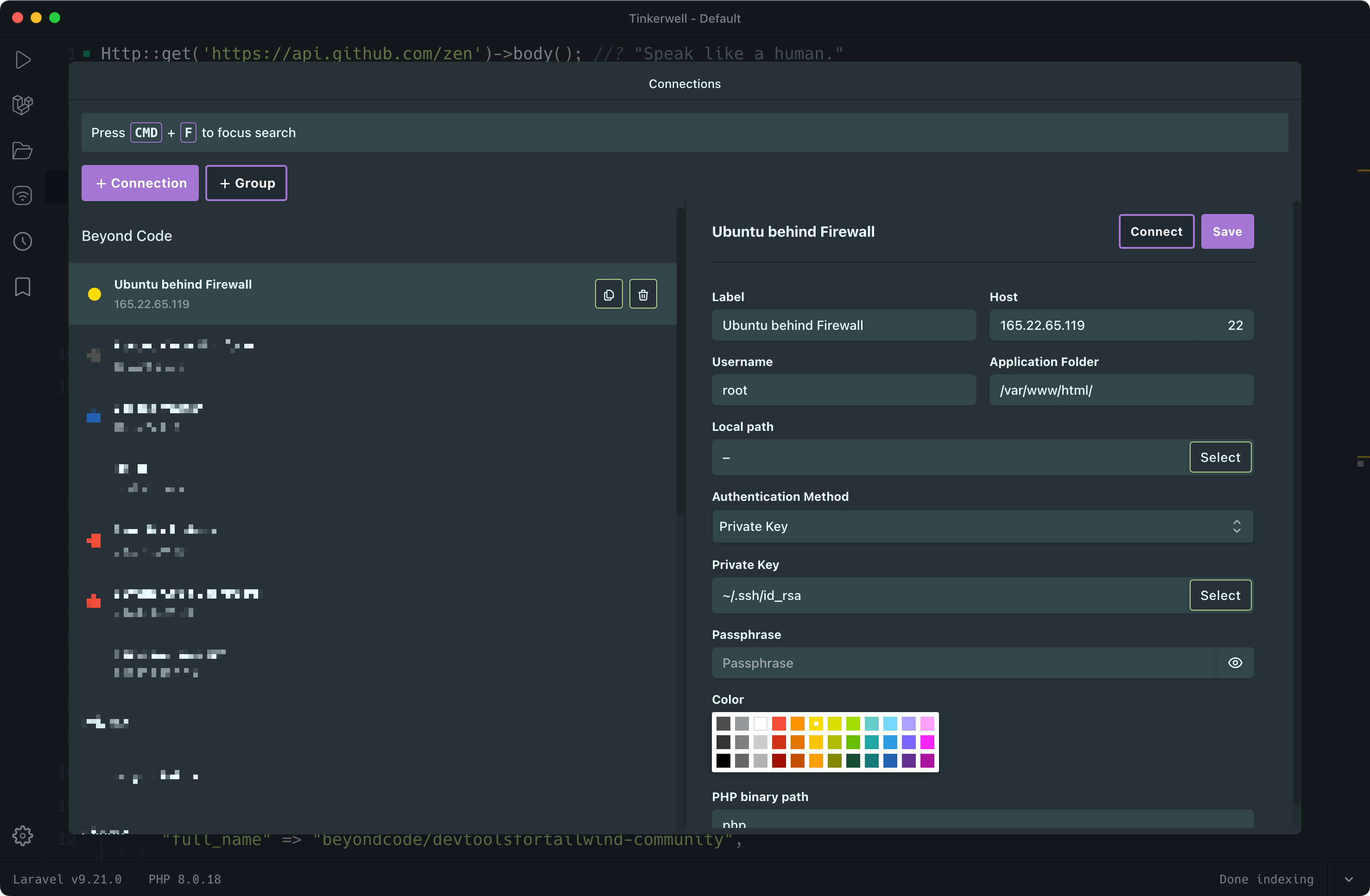
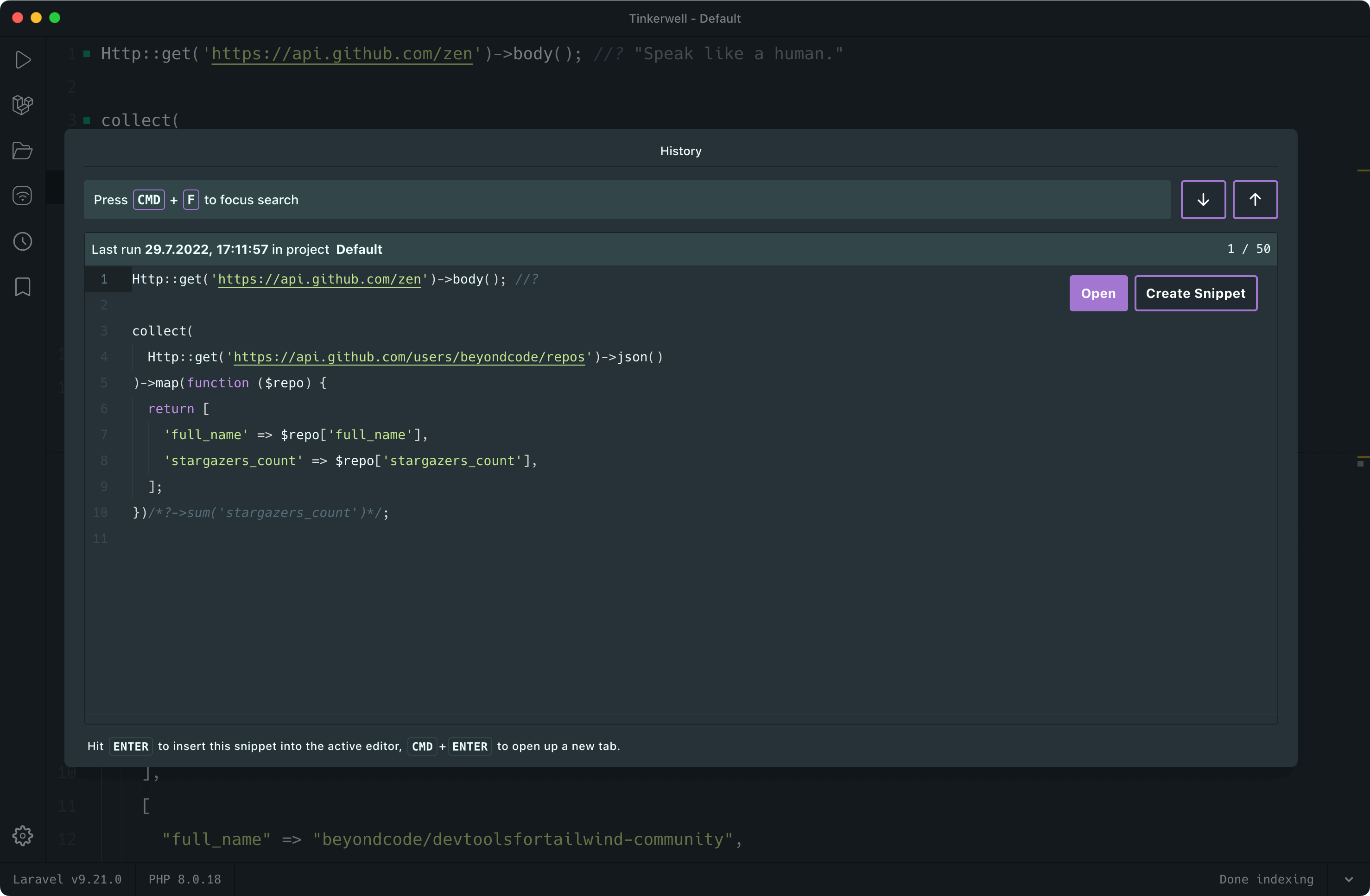
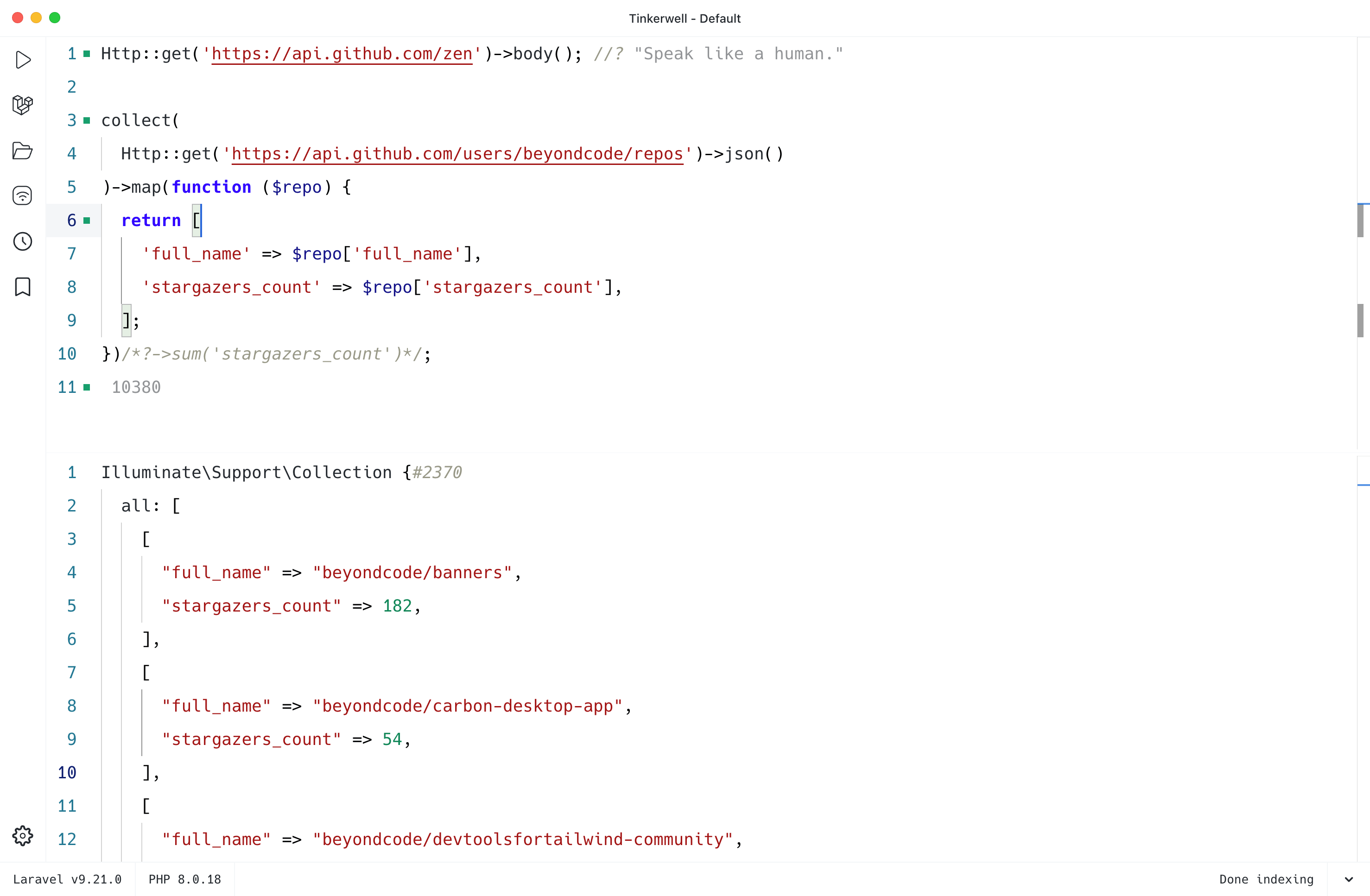
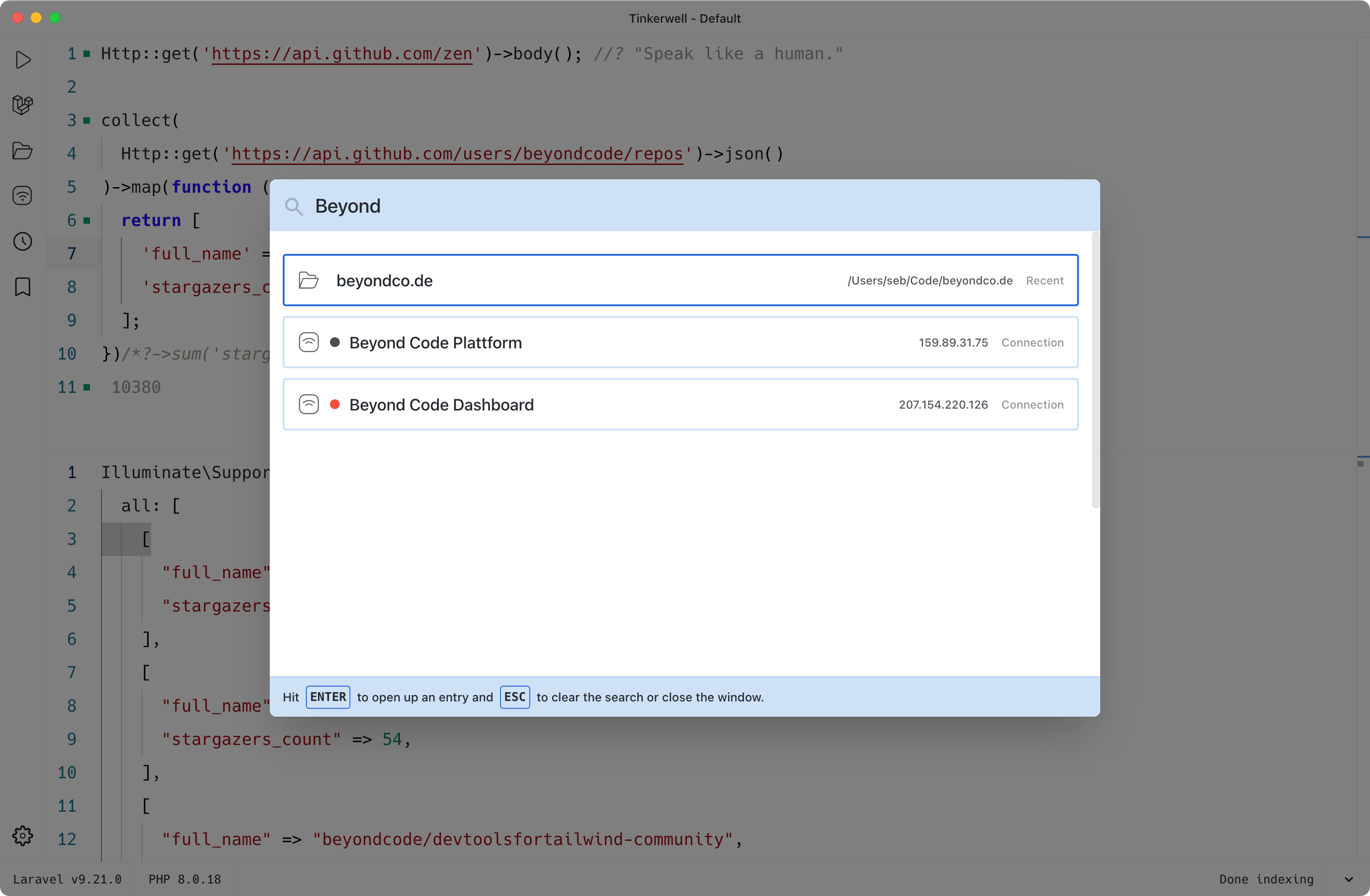
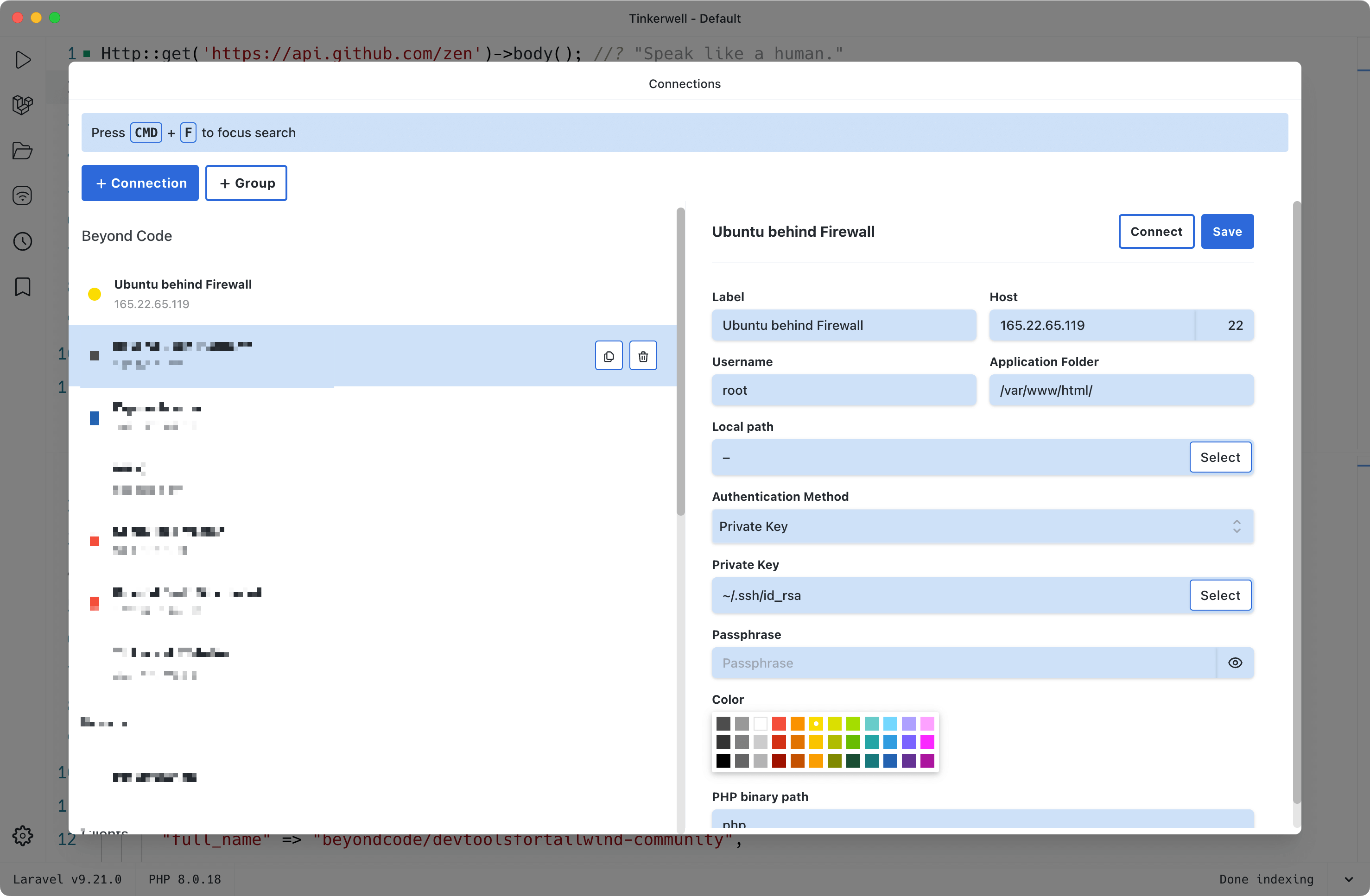
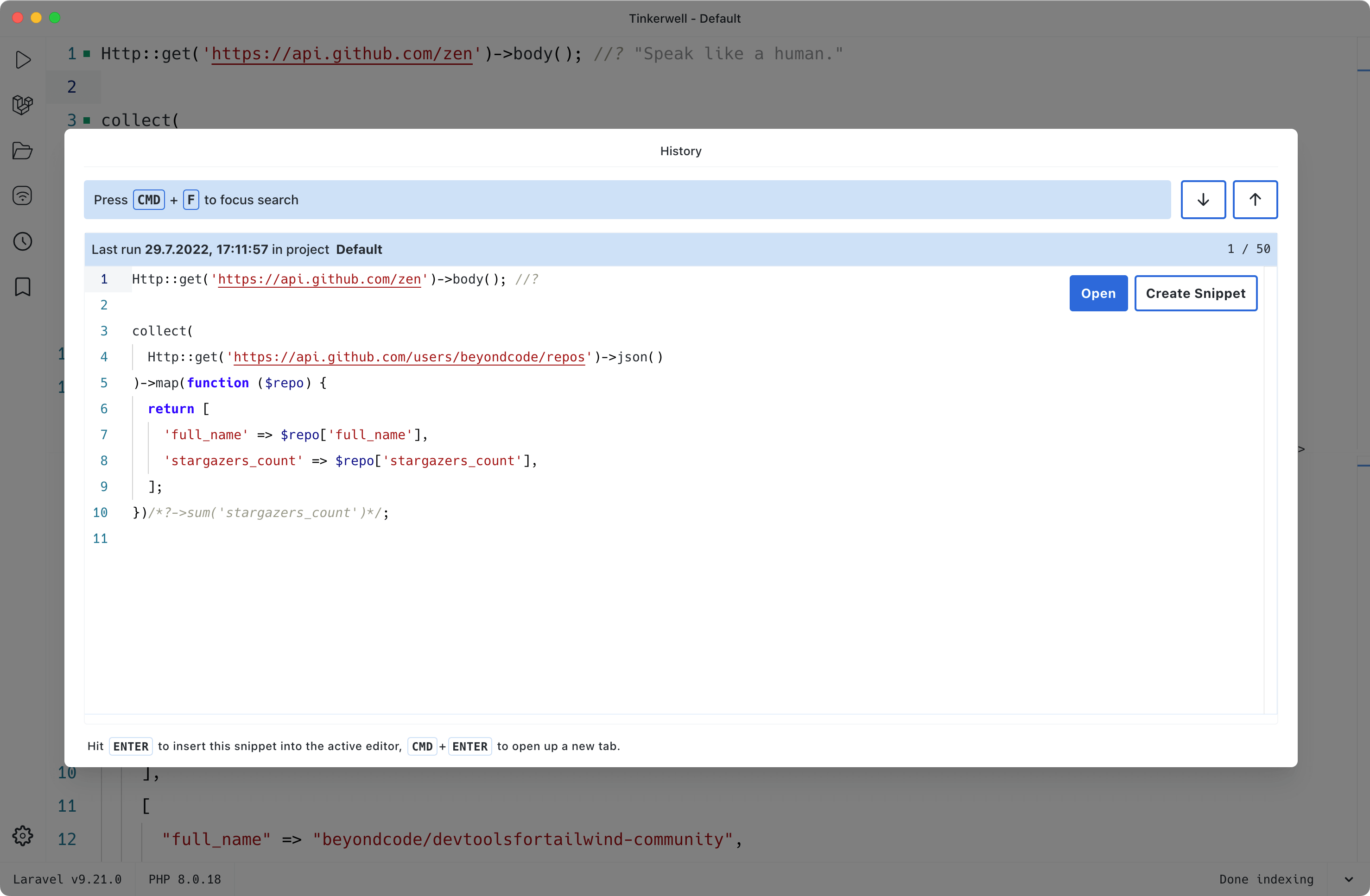
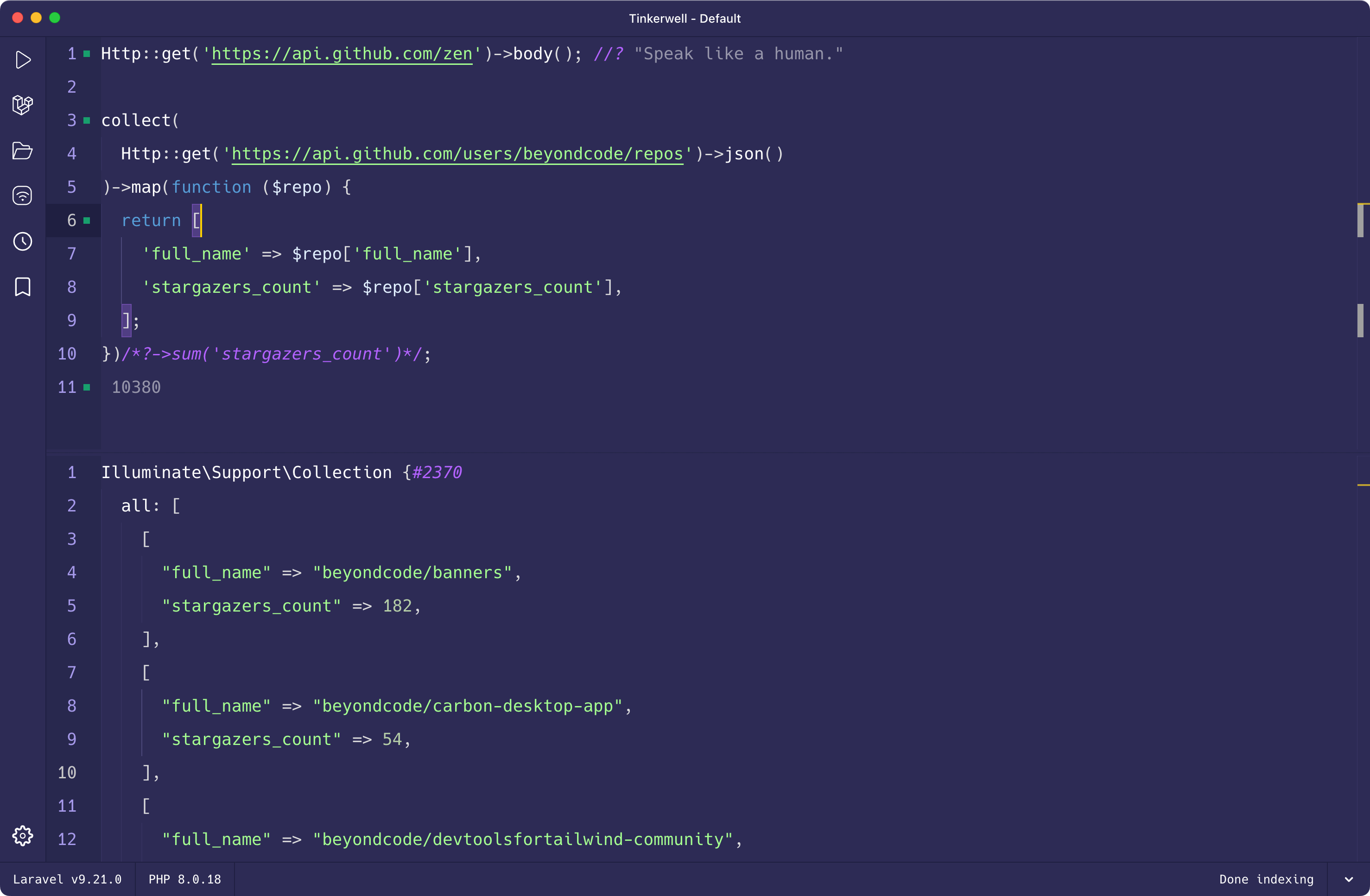
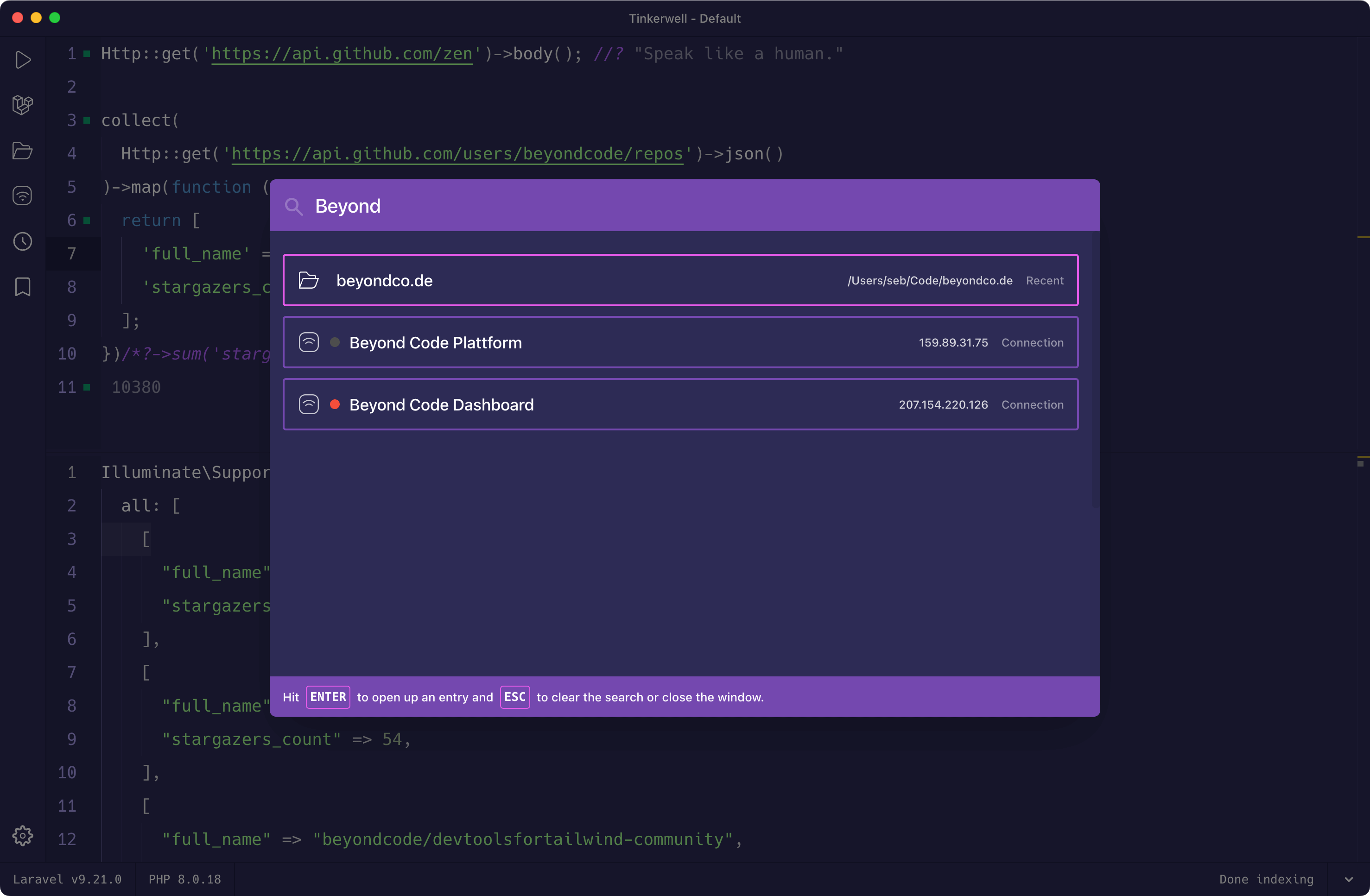
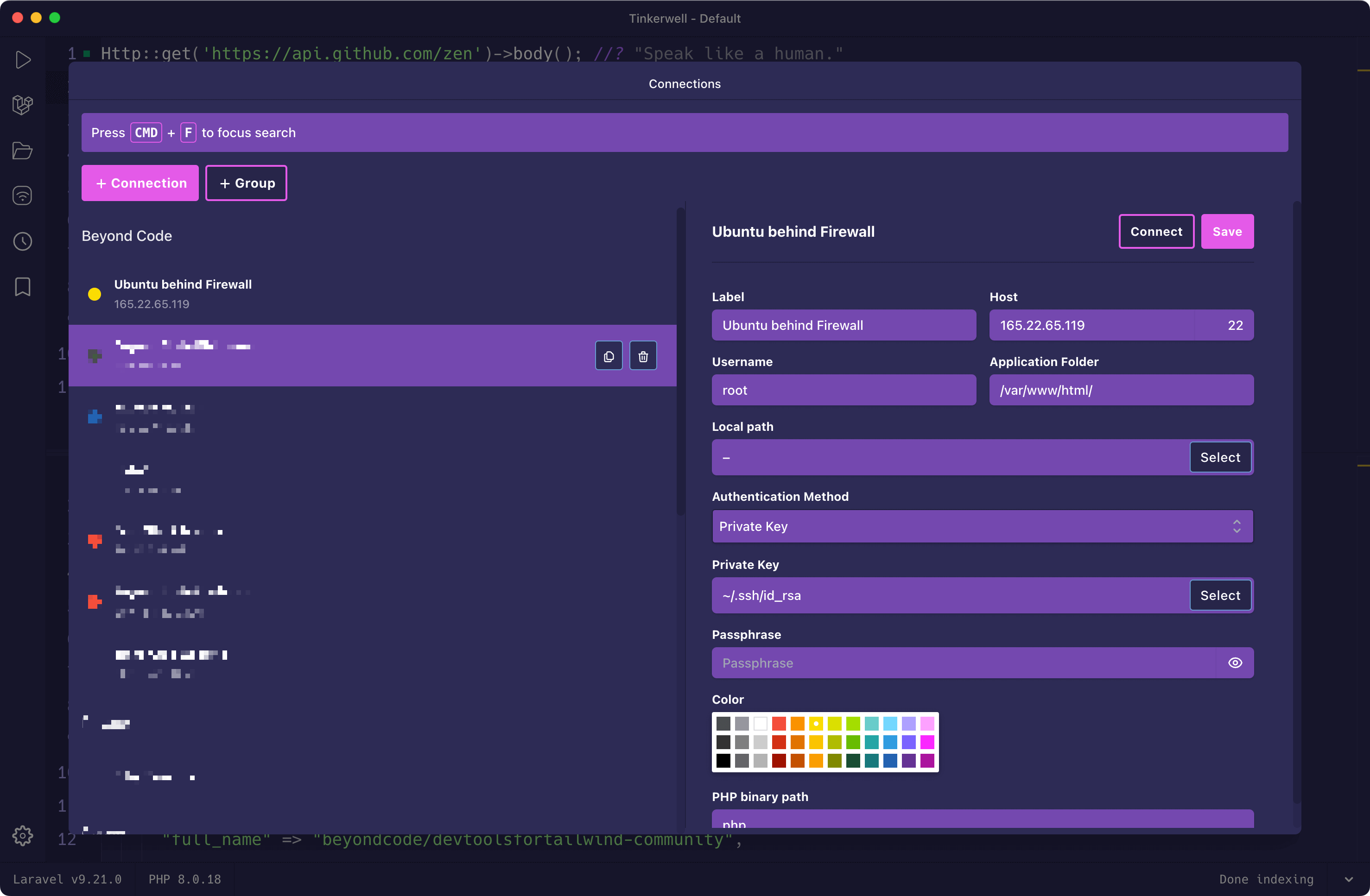
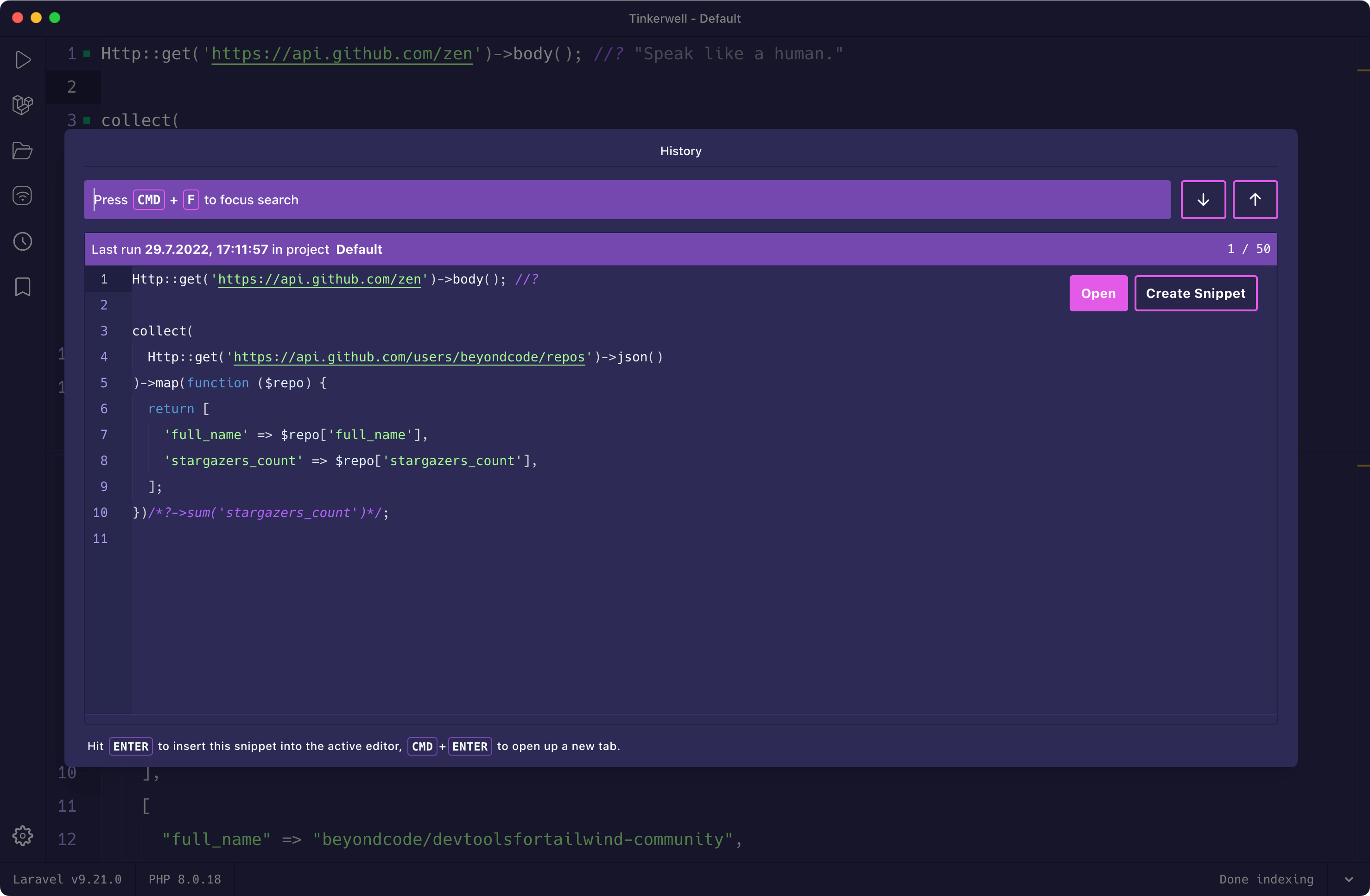
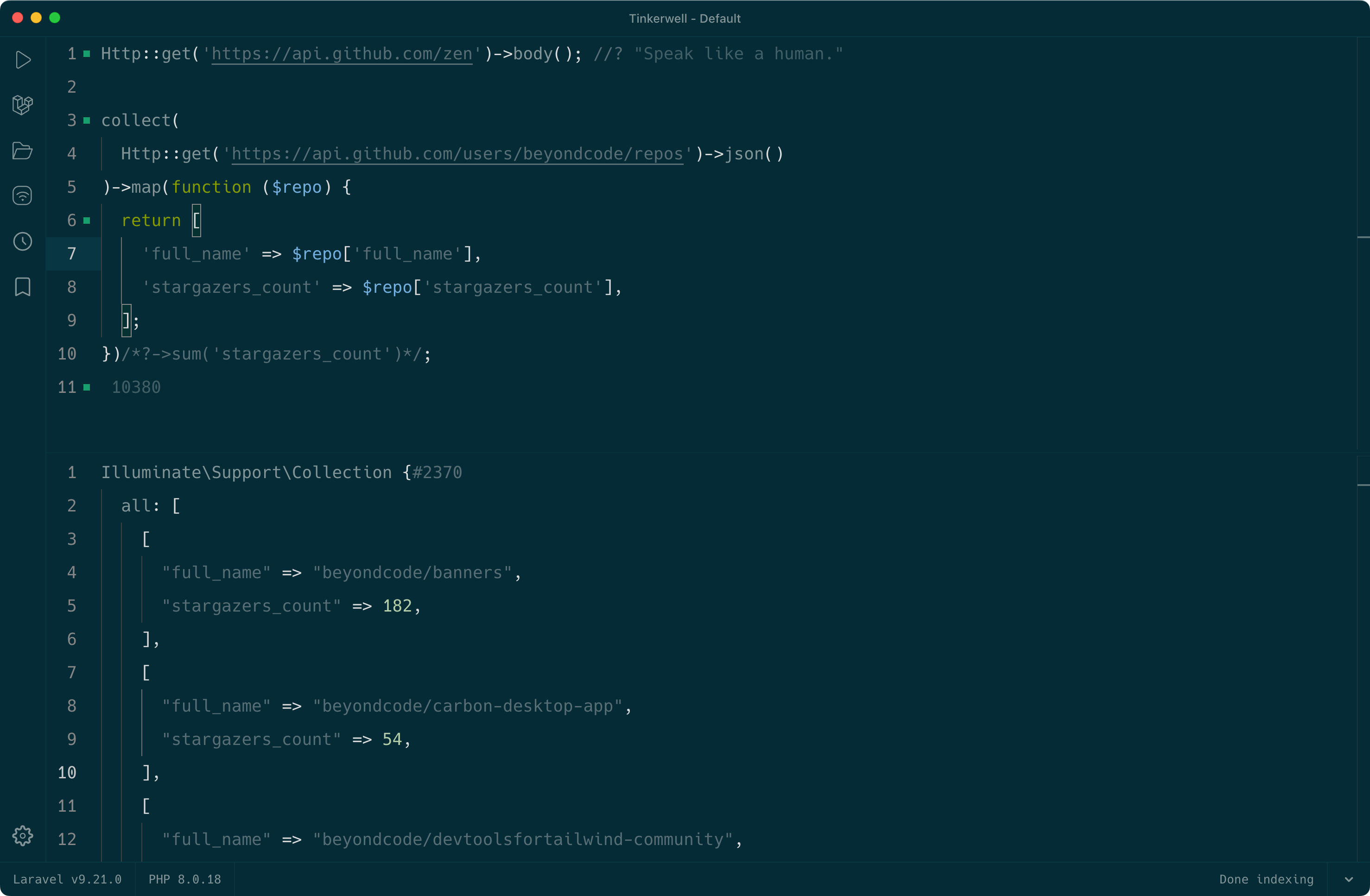
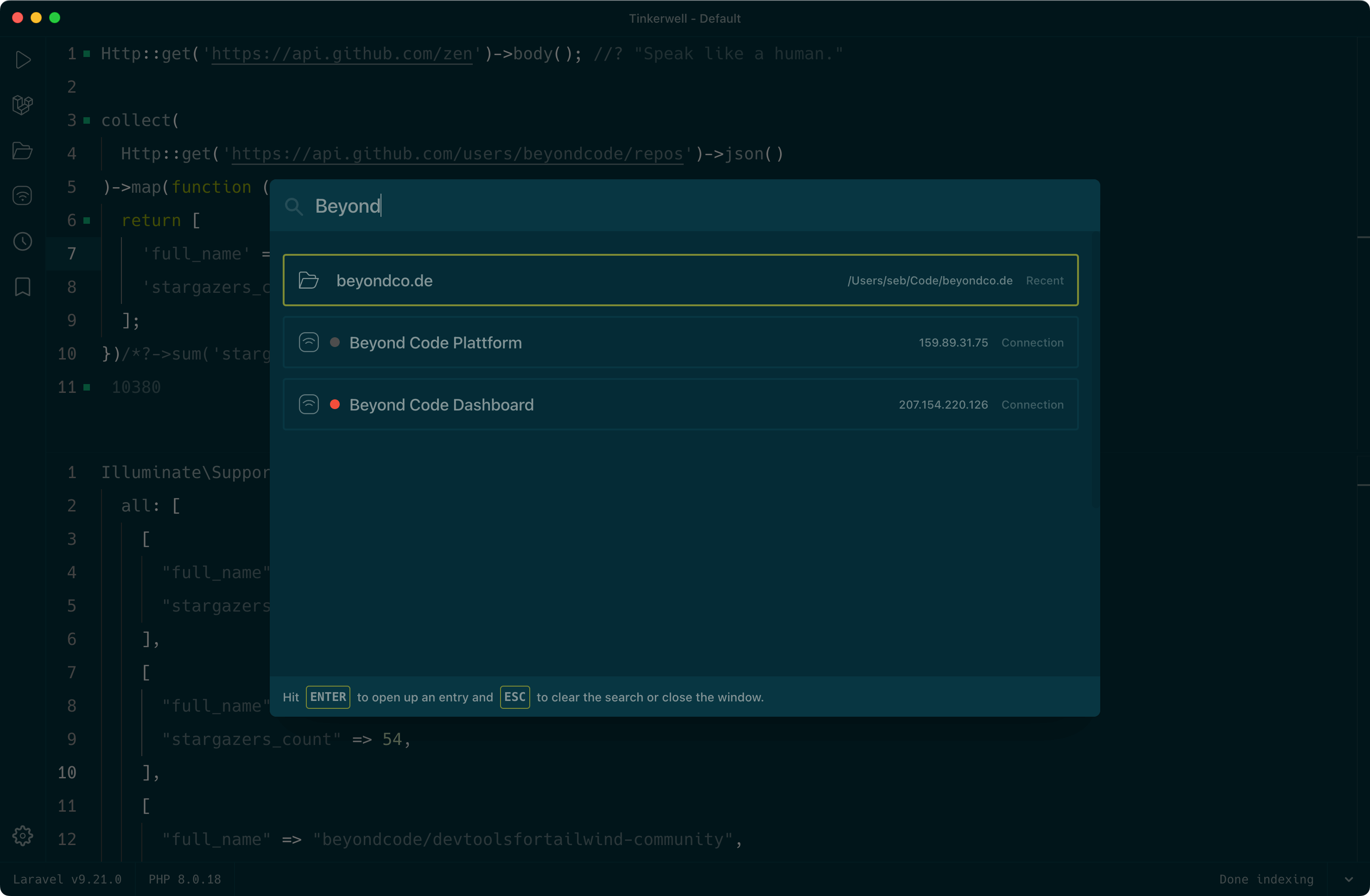
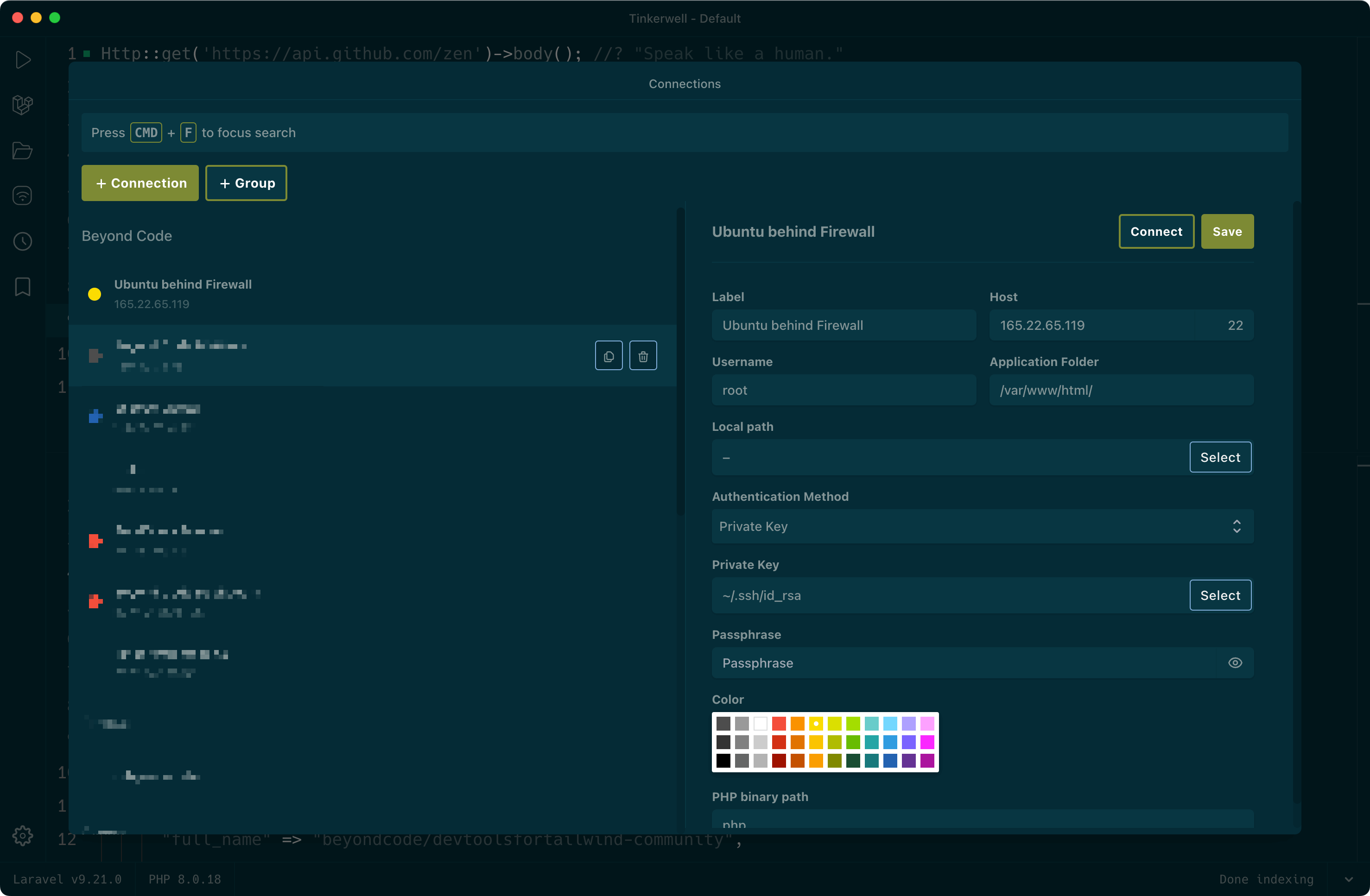
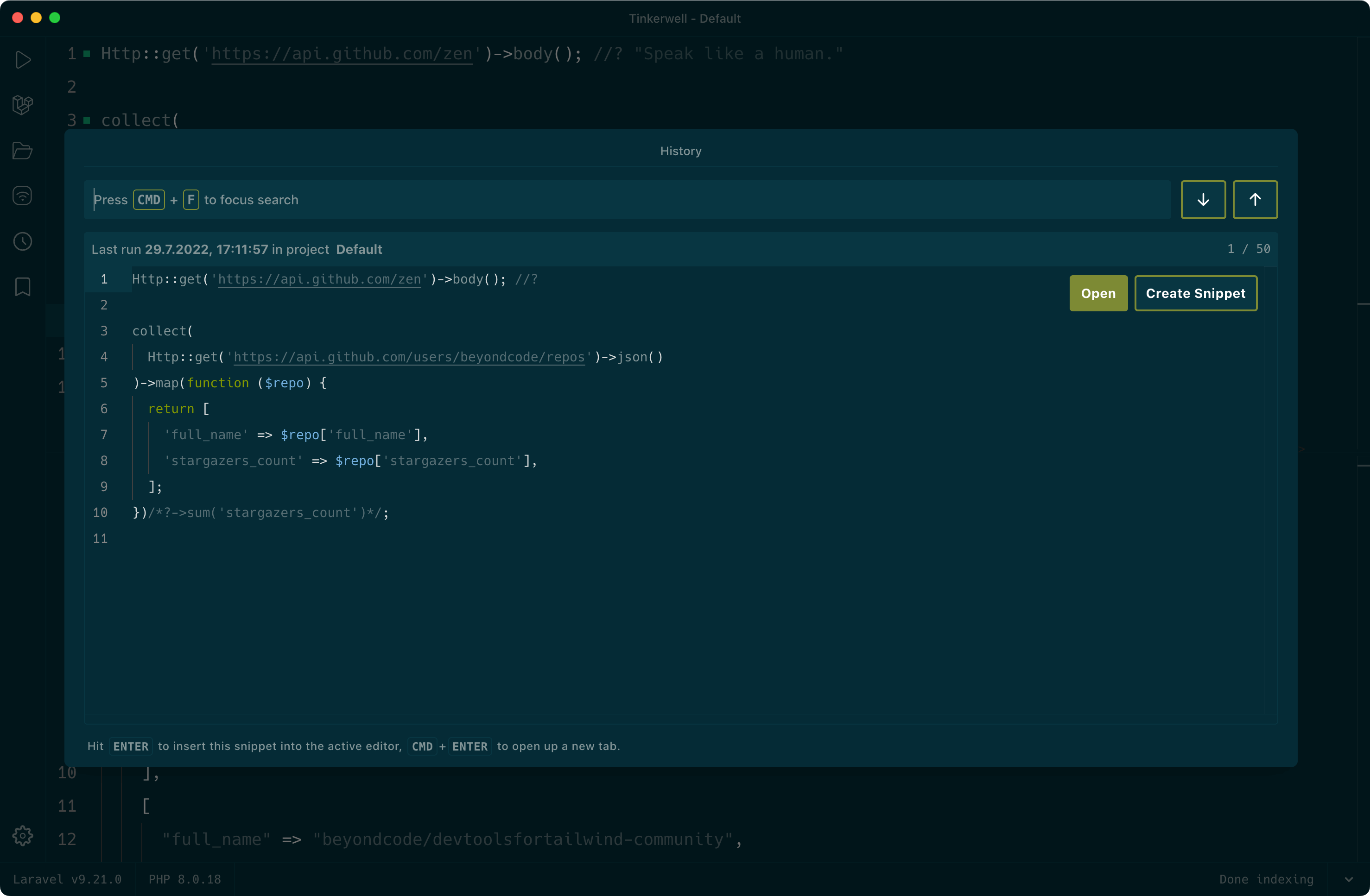
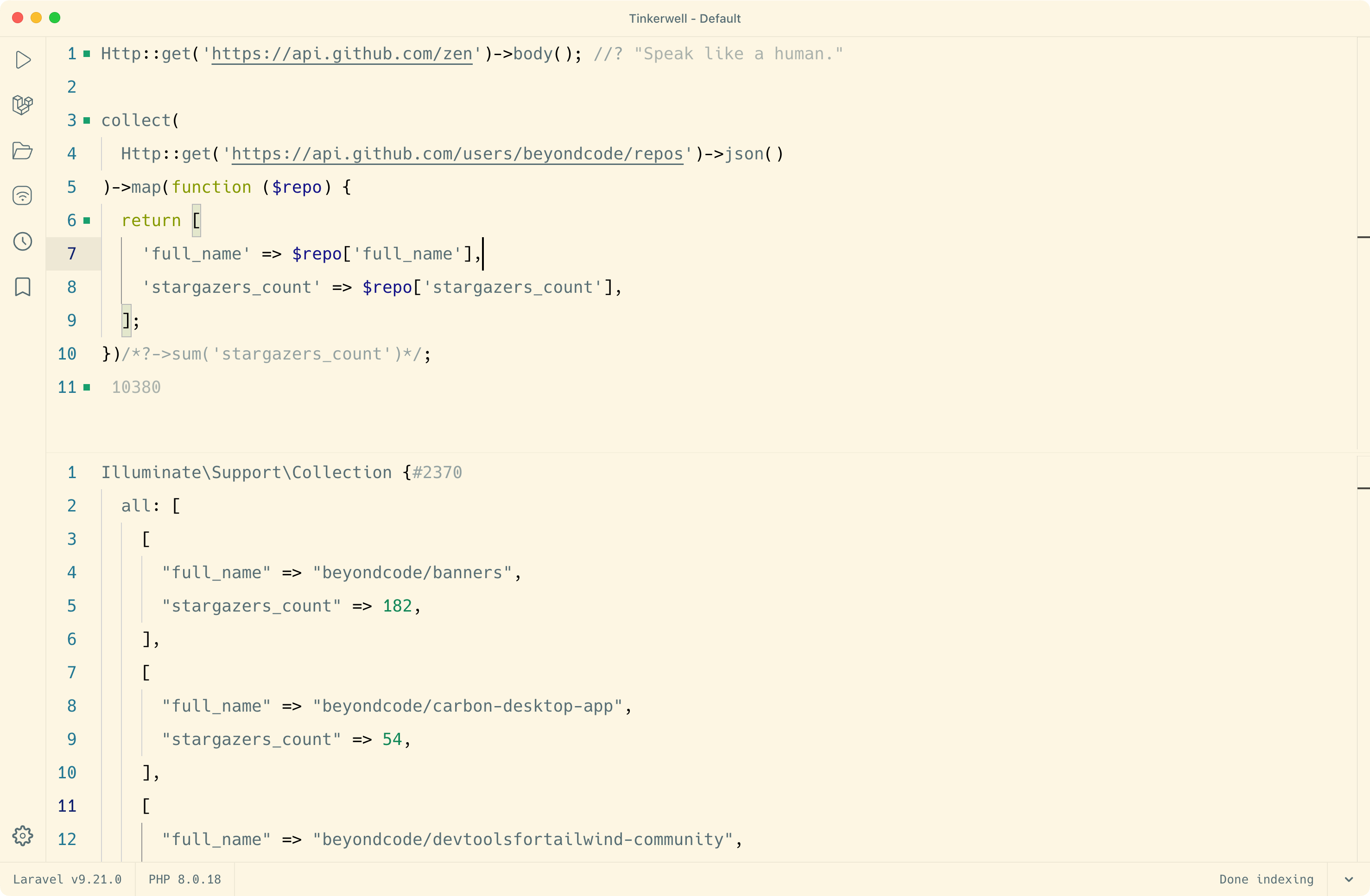
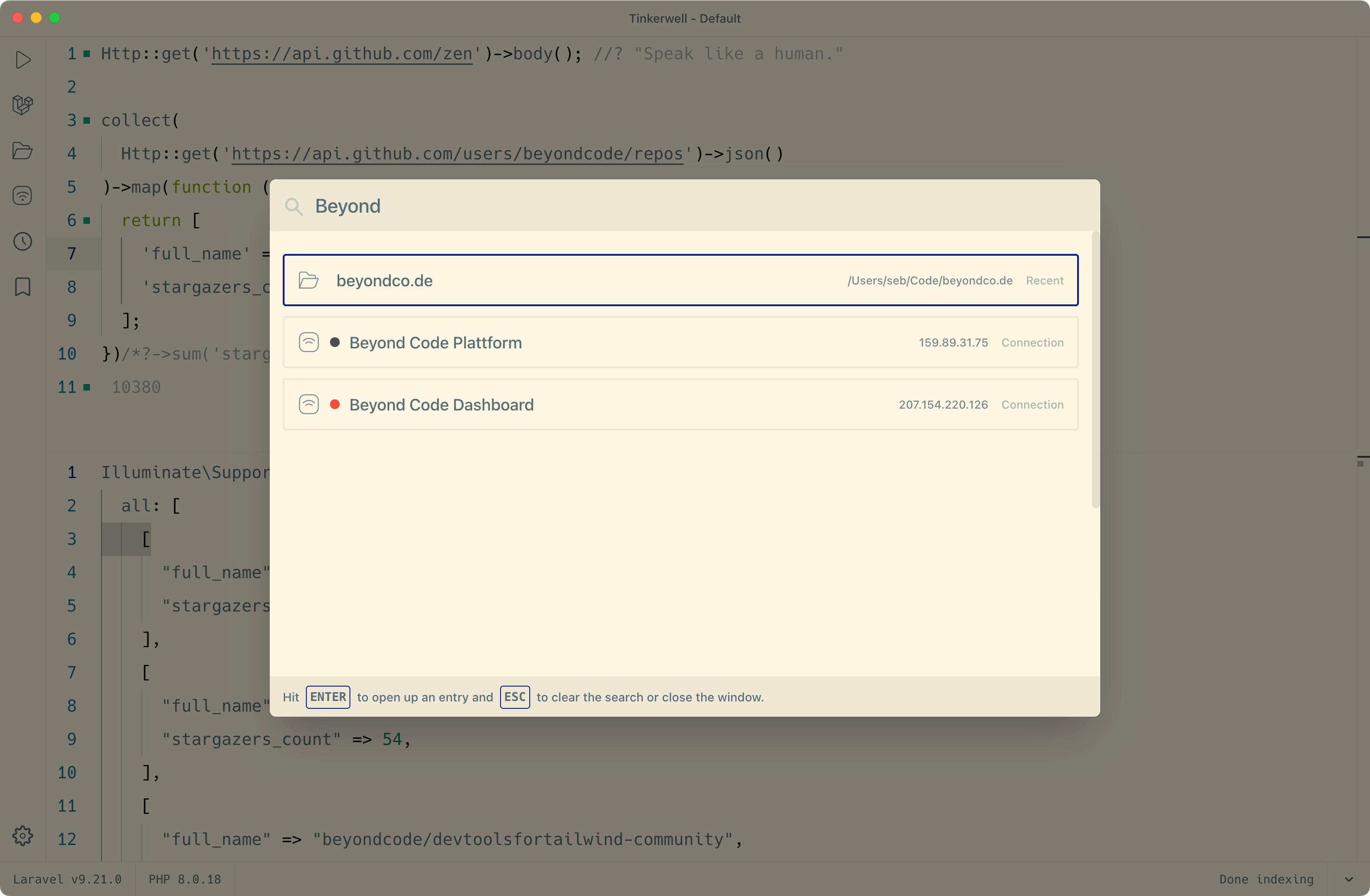
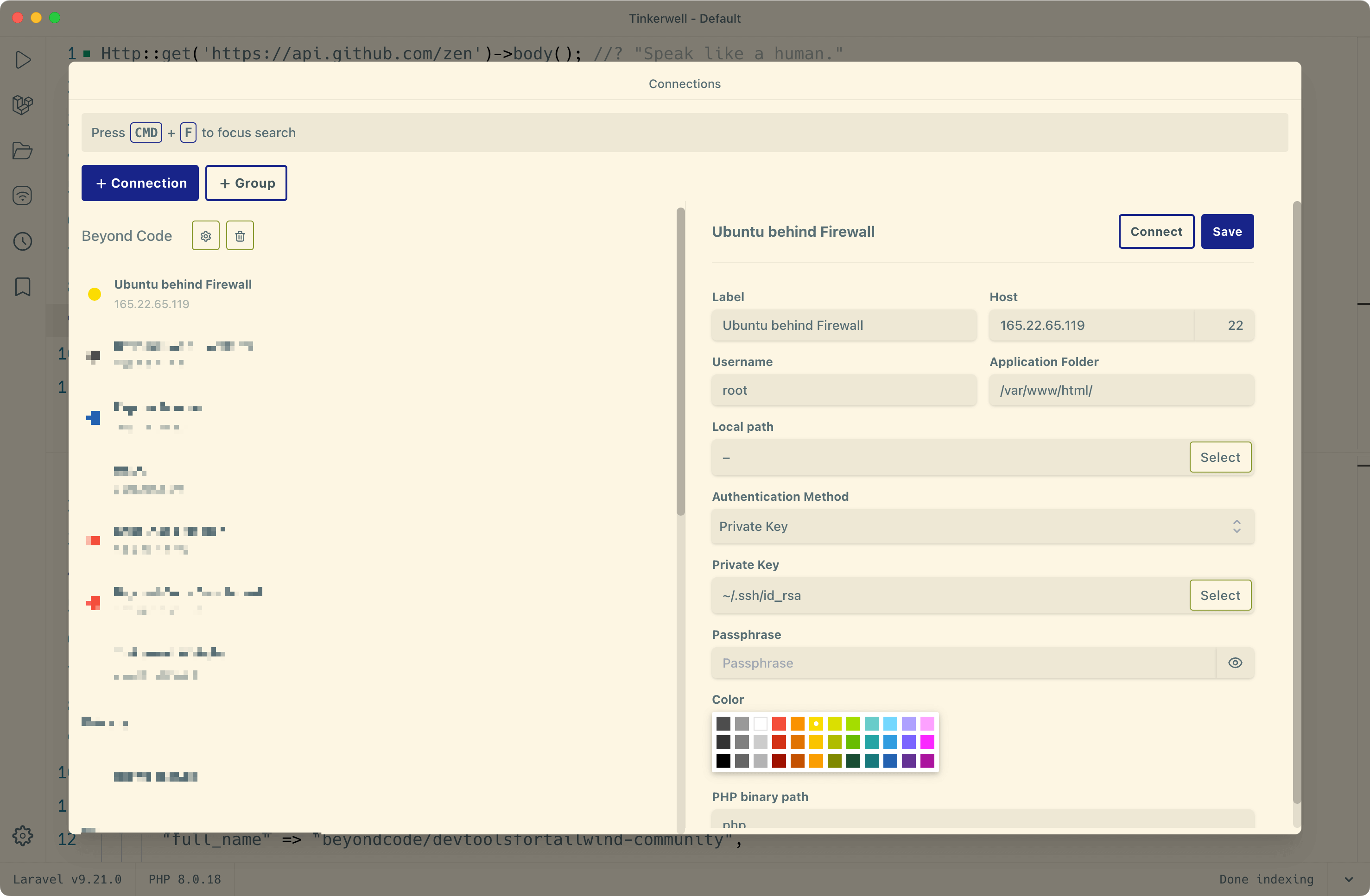
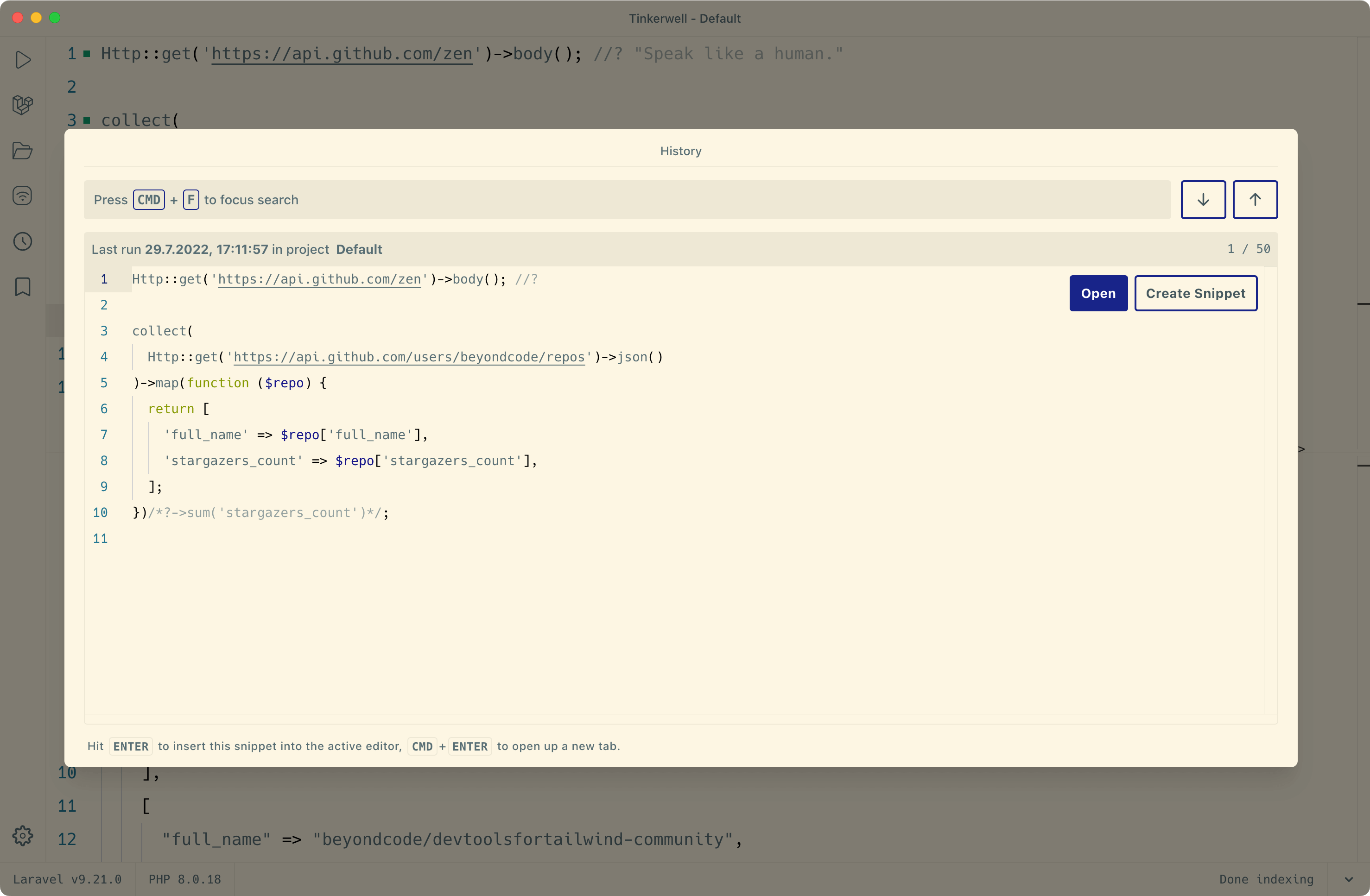
As mentioned above, we're working on support for custom themes so that you have endless possibilities and can share your theme variants with others. Subscribe to our newsletter or regularly check out the changelog to learn whats's new.
"I use Tinkerwell all the time now. Love that app."

"The feedback loop using Tinkerwell is way shorter. It's saved me tons of time and it's a joy to use."

The must-have companion to your favorite IDE. Quickly iterate on PHP code within the context of your web application.
Buy now Learn more